Recently, I decided that my LinkedIn page needed a little makeover!

Originally I had a photo of the Lotus Temple in India as my LinkedIn banner, just because it was a place I’ve seen in person and it made for a pretty background.
But then I decided that I should make a custom banner for my page; it only made sense, as my profile/resume is all about the content I create!
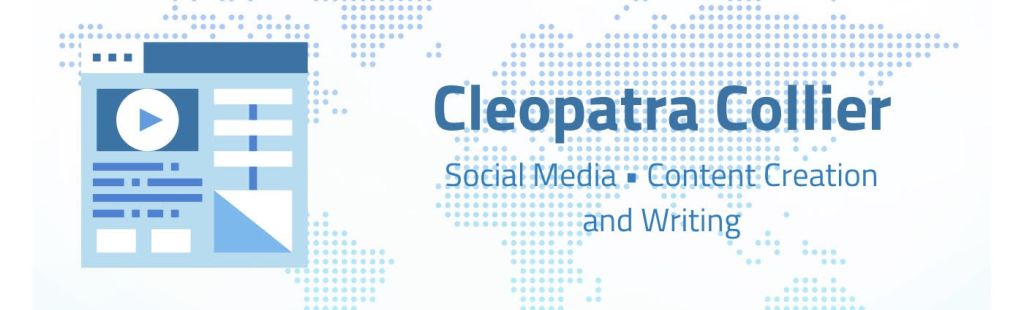
I created my banner with Canva. My goal was to make the banner look similar to a business card. I found an illustration that I felt summed up all of my expertise, as it is a webpage with text, image, and video content on it! I found a background image that reminded me of the world wide web and how the internet can connect everyone together. The background being a world map is also a tribute to my minor.
I was so pleased with how mine turned out that I decided to create one for my brother as well!

And then my little sister, who doesn’t even have a LinkedIn, wanted one too!


Those were my original designs for her, but she complained that they were too kiddish. I’ll admit that I still baby her a little bit!
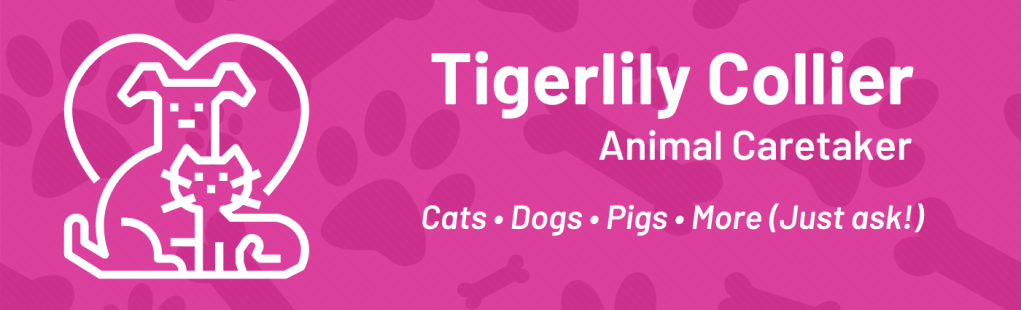
These are the new designs I created for her – they’re a little more formal (but are still cute too).

If you would like me to create a banner for you, please let me know! I would be happy to make an ideal banner you have in mind a reality for you. No cost for me to do it – tips are welcome, but not required!
 Created by Cleo