Personal Project

Custom LinkedIn Banners

Recently, I decided that my LinkedIn page needed a little makeover!

Originally I had a photo of the Lotus Temple in India as my LinkedIn banner, just because it was a place I’ve seen in person and it made for a pretty background.

But then I decided that I should make a custom banner for my page; it only made sense, as my profile/resume is all about the content I create!
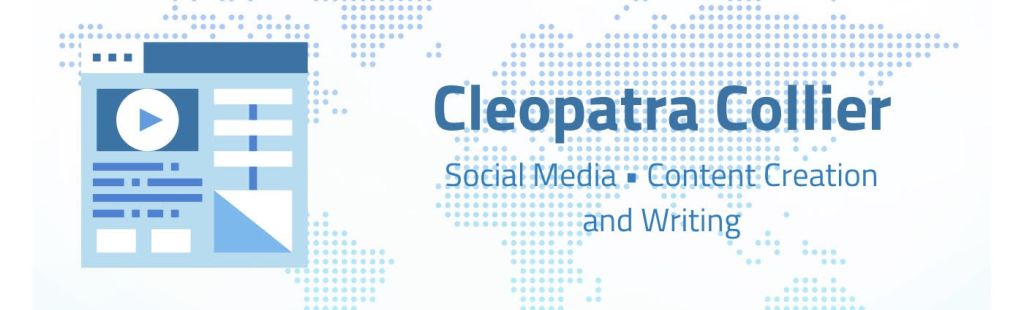
I created my banner with Canva. My goal was to make the banner look similar to a business card. I found an illustration that I felt summed up all of my expertise, as it is a webpage with text, image, and video content on it! I found a background image that reminded me of the world wide web and how the internet can connect everyone together. The background being a world map is also a tribute to my minor.

I was so pleased with how mine turned out that I decided to create one for my brother as well!

And then my little sister, who doesn’t even have a LinkedIn, wanted one too!

Those were my original designs for her, but she complained that they were too kiddish. I’ll admit that I still baby her a little bit!

These are the new designs I created for her – they’re a little more formal (but are still cute too).

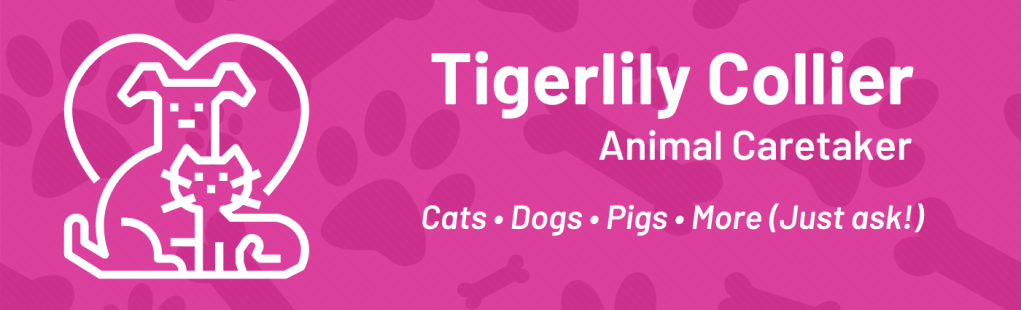
If you would like me to create a banner for you, please let me know! I would be happy to make an ideal banner you have in mind a reality for you. No cost for me to do it – tips are welcome, but not required!
Personal Project

Photo Booth Video Edit

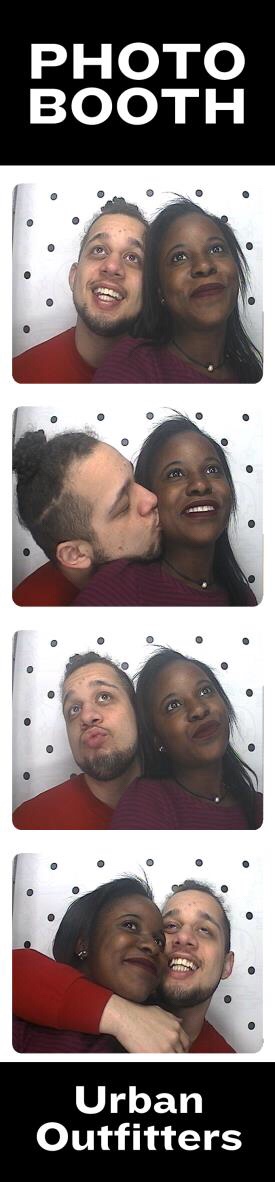
My brother and his girlfriend went to a photo booth in Urban Outfitters – and the results were adorable!

A link provided with the printed photos gave access to a video of their shoot, and I loved img_2994how it showed their relationship! So I decided to personalize the video for them to make it even more special.
There was probably a way easier (and much better way) to do all of this, but I am by no means a video expert! I enjoyed the problem solving that took place in order to get the video perfect and wanted to share the process:

  1. I took a screen recording of the video
  2. I cut the video into segments and got rid of the long, awkward pauses (from when the photos were being taken) by using the Video Trim app
  3. I used the musical.ly app for the rest of the process: this app has a large library of music that you can add to your video (up to 15 seconds of song), and also has color filters and effects (such as slo-mo or speeding up the video)

*Tip: When saving a musical.ly video to your camera roll, the app will cover the last second of your video with its logo; to prevent it from taking away from the video, I added a random extra few seconds of footage to my video (using the Video Trim app) and simply cropped off the last few seconds of the video with the editing option in my camera roll!

First video:

I asked my brother what “their song” was (without giving away what I was doing), and of course his answer was “IDK” (ugh), so I went with the song “Love” by Kendrick Lamar, who is one of his favorite rappers and I sped up the video as well. He ended up saying I picked the right song and liked the video!

Second video: After sending that video to my brother, he asked if I could make a version with one of her favorite songs “Him & I” by G-Eazy and Halsey or “Like I’m Gonna Lose You” by Meghan Trainor. They also wanted to see how it’d look in black and white.

The app had three different black and white options, but I liked the “moon” one because it looked very modern to me. I did also try the video with the Meghan Trainor song, but thought it was too depressing – especially with the black and white! (PS: for more filters, upload the finished video to Instagram from your camera roll and try some of theirs)

I was very pleased with the end results and am glad that they loved them too. I feel like the two videos show each of their personalities in the relationship, which makes it even sweeter.

If anyone has any video editing apps or advice they recommend, please let me know! I am still very (very) beginner when it comes to video, but would love to get better.

Personal Project

New Instagram Account

Click on the logo above to view my Instagram account!

I’ve decided to create an Instagram account that will feature social media content creation that I have made. I’m going to use this account as a portfolio and am also interested to see how people react to them. Overall I believe having this account will help me to better my skills, which I am very eager to do!

(Logo made by me! Not bad for a beginner)

Personal Project

Content Creation: Inspired by the Women’s March

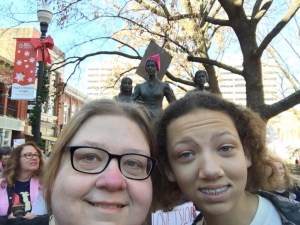
Last night I got inspired to create some social media content, after having seen photos of my mother and sister at the Knoxville Women’s March.

img_2124

Quotes are heavily shared on most social media platforms as appealing images. My goal was to create some content that could easily be shared on many of the different applications.

  1. My mother based her sign off of a quote she found online that said “I wouldn’t change my children for the world, but I wish I could change the world for my children.” However, she changed the language to a better affirmation and made the phrase her own – so I wanted to give her the credit.
  2.  The other side of my mother’s sign. Images with this phrase can be found all over the internet, but I was unable to find the original source it came from. I chose to put the Statue of Liberty in the background because it is both a symbol for America and diversity.
  3. My last creation was inspired by my sister’s sign from the march. The princess-y font and the hardcore image of Leia shows contrast, yet comes together perfectly.

And a special shoutout to my friend Haley, for using her expertise to help me out!